This being my first time experimenting with a 3D-modeling platform, I was pleasantly surprised to realize that it was not at all as difficult as I anticipated. While there was a definite learning curve to the mouse and keyboard shortcuts, especially as I am accustomed to keyboard shortcuts for video editing software, the tools necessary to construct my model were relatively simple to understand.


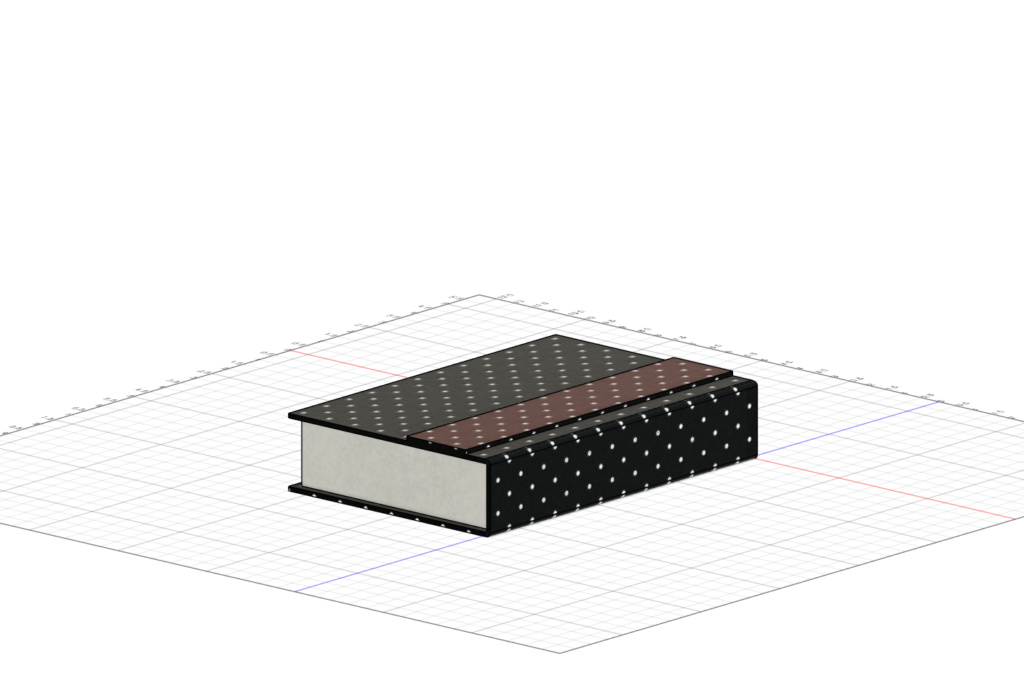
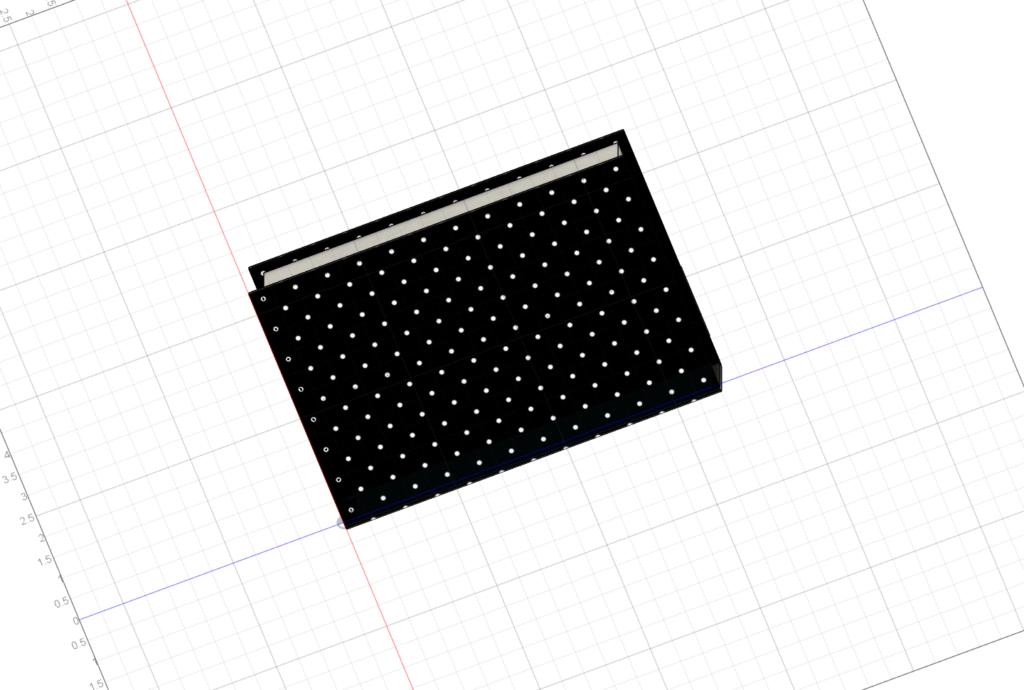
As I constructed my model, however, I did face more challenges forming the edges of the book, as I wanted to make sure that the covers came out farther than the inner pages. I had to be cautious that when I was making a sketch, that I was aligning it to the proportions of the cover two layers below, rather than the pages it was directly on top of. Creating the spine was also more difficult for this reason, and it took some trial and error to figure out how to properly sketch and extrude that element of the model. The only other instance in which I struggled a little more in the creation of this model was in changing the materials. At first, I struggled in selecting only the face that I wanted to change, and there were more switches between all paper and all
leather than were strictly necessary. However, as with the previous roadblock, the more I worked on it, the better a strategy I developed for this task, and by the end was able to easily select separate faces and make edits to their appearances.
As I chose to make a fairly simple object, I do not know that there were any major compromises that I had to make. The color options for the leather did not entirely match the real-life object, but given the limited options provided in Fusion 360, I made as close a match as possible. Other than this, I was able to match the dimensions and design of my object accurately in the program, and I am pleased with the result.
In terms of humanistic uses for this tool, I think that 3D modeling programs such as Fusion 360 has a lot of potential for historical research, as well as public history work. Creating and distributing models of artifacts which may not be easily accessible or which are too fragile to handle can allow researchers and students to get a feel for an object’s use, construction, and the role it played. This also holds true for creating models of things like ships or other large items, which do not often move locations after preservation. And not only can this tool model objects already in existence, but it also allows researchers to construct potential models of objects that are only described in text, or of which there are only images. These uses are helpful in an academic context, and also open up a lot of possibilities for the public history and museum world, which are always looking for ways to engage with visitors. If visitors cannot see an object that is being worked on, or if the museum wants to bring an artifact closer to the visitors, interactive 3D models can be a great way to encourage engagement and allow visitors to gain a more detailed and intimate understanding of the object in question.

As I worked with Fusion 360 for the first time, I honestly found that the most useful tool was the undo button. The program is very specific in that clicking undo only reverses the most recent action. So, if you just created a sketch that you don’t like, for example, clicking undo will first bring the sketch back into editing mode, then you can change one point, then it takes you to the first point, and so on. In this way, it is really helpful for identifying the actual problem/error, and does not simply erase the entire action.
