Introduction
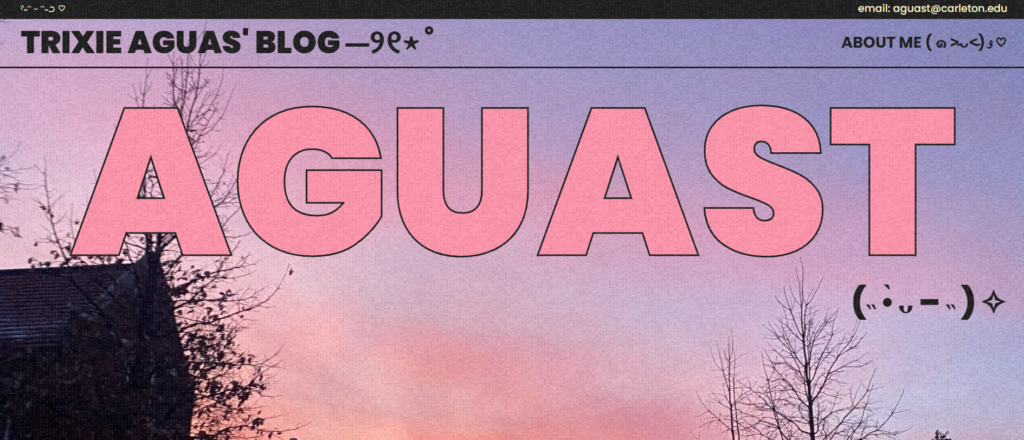
This is my new WordPress site!

To create my homepage, I started with the Lovebird theme and edited it to my liking. I first deleted any unnecessary content, and then I created a section that introduced my about page that allowed you to navigate to the page by clicking the image next to the text block.

I used CSS to change the font color to “papayawhip” for the blocks of text that were categorized as paragraphs.

Process
Overall, the process was both difficult and rewarding. I had to overcome quite a large learning curve in order to figure out how to customize my theme that I installed. I especially had a hard time figuring out where to add the additional CSS code. However, I learned that when I was in customization mode I had to click Styles > Blocks > Paragraph (or whichever block type I wanted to change) > Advanced and then add my code to the Additional CSS text area. Once I got the hang of everything, it became easy (and really fun!) to create my website. Adding my personal images and writing my about page were definitely the highlights of my experience.
Possible Uses
With my new WordPress site, I might create a digital portfolio of any of my creative pursuits. For example, I might add any of the work from this class (like the 3D model we created in the first week), coding projects (like my final project for my Introduction to Computer Science class), and/or personal art projects that I have made over the years (like any sketches or paintings).
Benefits and Drawbacks of Hosting a Website
One major benefit of hosting a website is that you have more creative control. When posting on social media sites, you have to post within a specific format. For example, on Instagram, you can only use pictures that have a certain aspect ratio, and on Twitter, you can only post 280 characters per tweet. If you host your own website, you have more freedom to insert photos of any size and create blog posts of various lengths.
However, because you control everything that goes on your website, it may be more difficult to create content. Since social media sites follow a specific format, it is easier for users to create content very quickly. In contrast, hosting a website may take more effort to perfectly curate pages and posts.

I love everything about this, the style of your website is so cute!